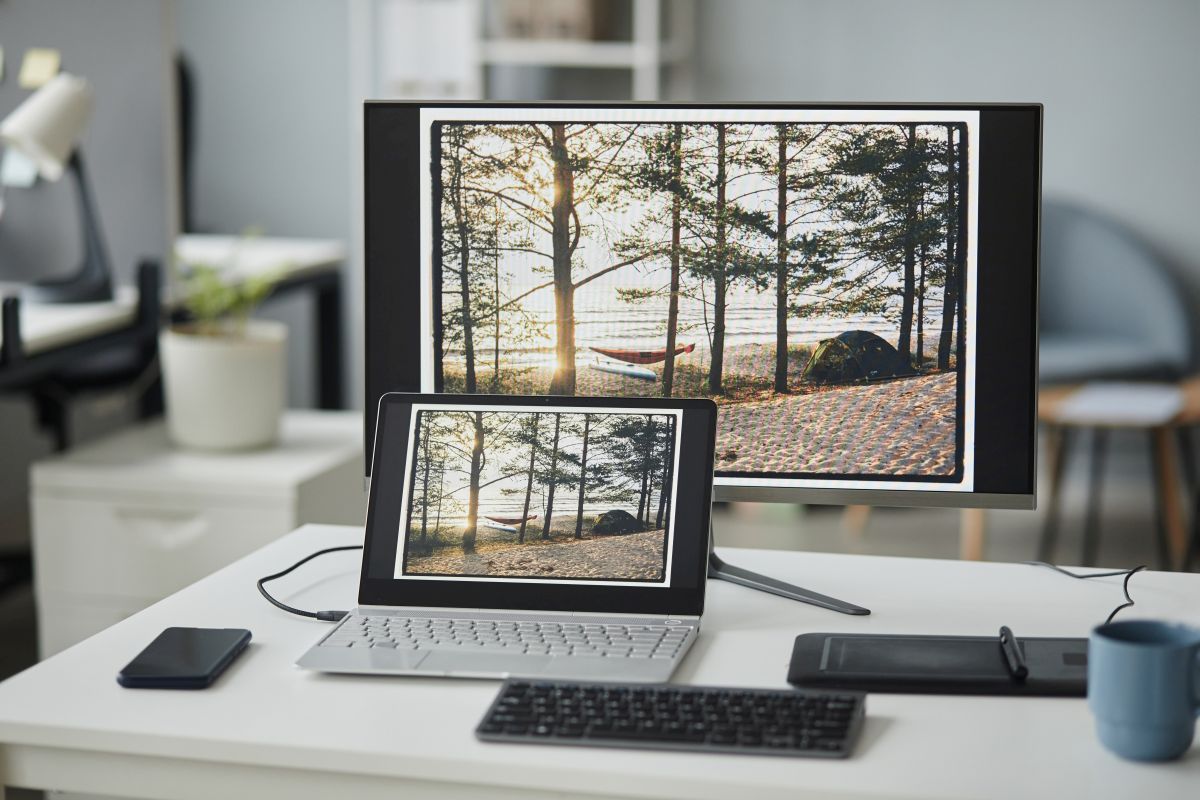
Image Creation for Blogs Without Design Skills or Expensive Software
You may be surprised to discover that image creation for blogs do not require you to be a graphic designer and you don’t need expensive software anymore.
Creating images for your blog is one of those things nobody warns you about when you start blogging. You’ve got the words down, you’ve figured out how to publish, and then you realize your posts look like walls of text that make people want to run away.
I get it. You’re not a graphic designer. You didn’t sign up for art school. You just want to share what you know without looking like you’re stuck in 1997.
But visual content creation doesn’t have to be complicated, and you definitely don’t need to become a design expert overnight. But you do need images because people scroll right past text-only posts like they’re yesterday’s newspaper.
Why Do Blog Post Images Actually Matter?
Images break up your content so readers can breathe. They make your posts shareable on social media. They help people understand your message faster.
But what really matters is the fact that blog graphics signal to your readers that you care about their experience. When someone lands on your blog and sees thoughtful visual content, they stick around longer. They trust you more. They remember what you taught them.
And if you’re building something bigger than a hobby blog, if you’re creating courses or digital products based on your expertise, professional-looking content marketing visuals tell people you mean business.
Where Can You Actually Get Images Without Breaking the Law?
This is huge, and I wish more people talked about it plainly. You cannot grab images from Google and slap them on your blog. Period.
Every photo, graphic, or illustration you find online belongs to someone. Using it without permission isn’t just wrong, it can cost you serious money if the photographer or copyright owner comes after you.
So what are your options for stock photos for blogs?
Free stock photo sites like Unsplash, Pexels, and Pixabay offer thousands of royalty-free images. The quality’s decent, and you can use them without paying.
The downside? Everyone else uses them too, so your gardening blog might have the same tomato photo as 500 other sites.
Paid stock photo libraries give you better selection and fewer duplicates. Sites like Deposit Photos, Adobe Stock and Envato Elements (my favorite) charge monthly fees, but you get access to professional blog photography that doesn’t scream “generic stock photo.”
Creative commons images are another option, but read the licenses carefully. Some require attribution, others have restrictions on commercial use. If you’re monetizing your blog, make sure the license allows it.

What About Creating Your Own Blog Header Images?
Here’s where things get interesting. You don’t need expensive software or years of training to make custom blog images that look good.
Canva changed everything for non-designers like us. It’s free for basic features, has templates for every type of blog graphic you need, and honestly makes graphic design for blogs almost foolproof. Drag, drop, change colors, add text. Done.
The templates handle blog image dimensions automatically, so you’re not wondering if your featured images will look weird when shared on social media images platforms.
For real photos, your smartphone works fine. Take your own shots when it makes sense for your niche. Food blogger? Snap pictures of your recipes. Travel writer? Use your vacation photos. Craft tutorials? Show your projects.
The authenticity of real photos from your life beats polished stock images every time when you’re trying to build confidence as a content creator.
Can AI Actually Help With Image Creation for Blogs?
Okay, this is where things get wild. AI image generators have exploded in the past couple years, and they’re absolute game-changers for bloggers.
Tools like Ideogram, ChatGPT’s image generator, and NanoBanana can create digital illustration for blogs from simple text descriptions. Type what you want, and the AI makes it in seconds.
Want a cozy kitchen scene for your cooking blog? A peaceful garden path for your wellness content? Abstract backgrounds that match your brand colors? AI can generate all of it faster than you can make coffee.
The images aren’t always perfect, and sometimes AI adds weird details that don’t quite make sense. But for blog post images that need to be conceptual rather than photographic, these tools are incredible.
And here’s the best part: the images are yours to use. No copyright worries, no licensing fees, no lawyers knocking on your door. You created them through the AI tool.
Ideogram is particularly good at text-in-image, so if you need blog graphics with words overlaid, it actually gets the spelling right. ChatGPT’s generator is fast and intuitive if you’re already using it for content. NanoBanana specializes in specific artistic styles that can give your blog a distinctive look.

How Do You Make Your Images Work Better for SEO?
Creating pretty blog visuals is only half the battle. You need search engines to understand what those images show.
Blog image SEO starts with file names. Before uploading, rename “IMG_2847.jpg” to something descriptive like “homemade-bread-recipe.jpg.” Search engines read those file names.
Alt text is the description you add in WordPress that tells search engines and screen readers what the image shows. Write it naturally: “Golden brown sourdough bread cooling on a wire rack” instead of “bread recipe cooking baking sourdough.”
For blog image optimization, compress your files before uploading. Large images slow down your site, and slow sites lose readers and search rankings. Tools like TinyPNG or ShortPixel shrink file sizes without killing quality.
What Sizes Should Your Blog Graphics Actually Be?
This drives people crazy because there’s no universal answer, but here’s what works for most blogs:
Featured images (the main image at the top of your post) should be around 1200 pixels wide by 630 pixels tall. That ratio looks good on your blog and when shared on social media.
Blog header images might need different dimensions depending on your theme. Check your theme documentation, but 1200-1600 pixels wide is a safe bet.
Infographics for blogs work best as tall vertical images, around 800 pixels wide by 2000-4000 pixels tall. People scroll through them, and the vertical format is perfect for Pinterest.
In-content images can be smaller, maybe 600-800 pixels wide, since they’re breaking up text rather than serving as the main visual.
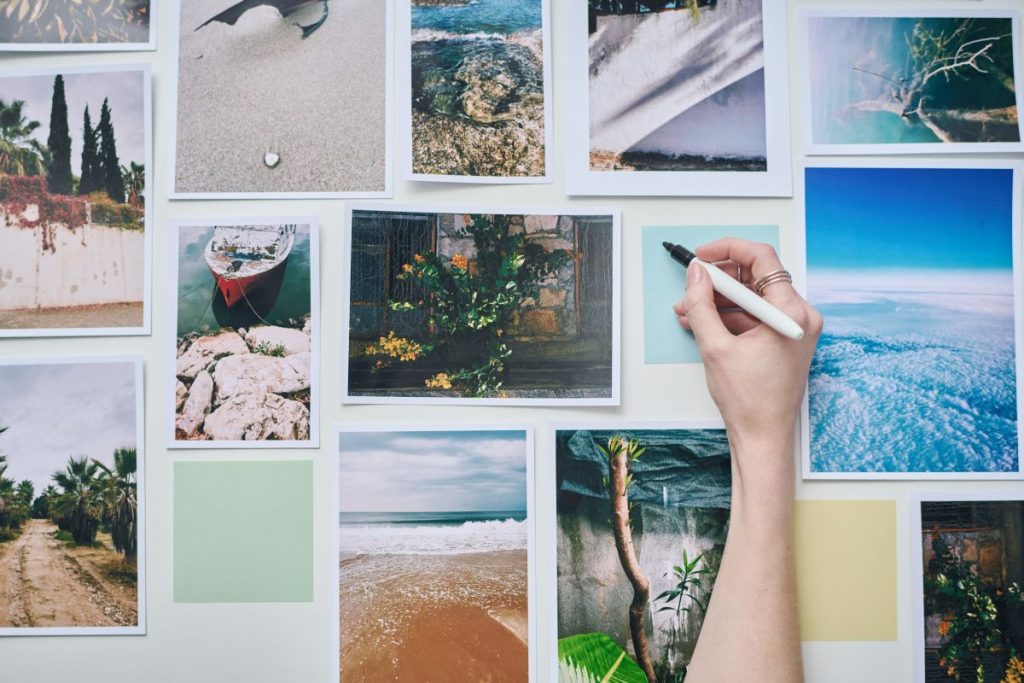
Where Do You Find Image Inspiration When You’re Stuck?
Sometimes you know you need an image but have zero ideas about what it should look like. That’s normal.
Browse Pinterest for visual storytelling for blogs examples. Search your topic and see what images other successful bloggers use. You’re not copying, you’re learning what works in your niche.
Look at magazines related to your blog topic. The professional photographers and designers working for publications understand visual content better than most of us ever will.
Check what your readers actually respond to. If certain types of blog post visuals get more social shares or comments, make more images like those.
And honestly? Sometimes you need to stop overthinking it. A simple, clean image that relates to your content beats a complicated graphic that took you three hours to create.
What Image Editing Tools Actually Work for Beginners?
You don’t need Photoshop. I’ll say that again louder for people in the back: you don’t need expensive image editing tools to make professional-looking content.
Canva covers 90% of what most bloggers need. It’s the workhorse of blog image tools for a reason.
If you want to edit photos, try Pixlr or Photopea. Both are free, browser-based, and surprisingly powerful for adjusting brightness, cropping, or removing backgrounds.
For quick image editing for blogs, Preview on Mac or Photos on Windows handle basic tasks like resizing and simple adjustments.
The fancy graphic design software exists, but here’s what I learned after years of blogging: simple, consistent images beat complicated designs every single time.

How Do You Create Visual Content That Matches Your Brand?
Once you’ve figured out the basics, think about consistency. Your blog graphics should feel like they belong together.
Pick a color palette and stick with it. Choose 3-5 colors that represent your blog and use them in every custom blog image you create. Canva lets you save brand colors so you’re not hunting for the right shade of blue every time.
Choose fonts you’ll use repeatedly for text overlays. Two fonts is plenty: one for headlines, one for body text. More than that looks messy.
Decide on a general style. Are your blogging design tips leaning toward clean and minimal? Cozy and warm? Bold and energetic? Once you know, make images that reinforce that vibe.
This consistency tells readers they’re in the right place when they see your content shared on social media or discover older posts through search.
What Mistakes Should You Avoid With Image Creation for Blogs?
After watching hundreds of new bloggers fumble through visual content creation, I’ve seen the same mistakes over and over.
Don’t use tiny, pixelated images. Blurry blog post images make your entire blog look unprofessional, no matter how good your writing is.
Don’t cram too much text onto images. If readers need a magnifying glass to read your infographics for blogs, you’ve defeated the purpose.
Don’t ignore mobile viewers. More than half your readers are on phones. Images that look great on your computer screen might be impossible to see or load slowly on mobile.
And please, don’t grab images from Google without checking licenses. The hassle and potential cost of copyright violation isn’t worth the five minutes you saved.
How Does Visual Content Fit Into Your Bigger Blogging Goals?
Here’s something most people miss: your images aren’t separate from your blog strategy. They’re part of how you build trust, establish authority, and eventually turn readers into customers for your courses or digital products.
When you started your blog, maybe after reading about how to start a blog after retirement, you had a vision for sharing your expertise. Professional content marketing visuals help people take you seriously.
Every image is a chance to reinforce what makes you different. If you’re teaching something based on decades of real experience, show it. Real photos, authentic examples, custom graphics that reflect your actual knowledge, these all work together to build your credibility.
And when someone’s deciding whether to buy your course or join your membership, the visual quality of your free content tells them what to expect from your paid offerings.
What’s Your Next Step With Image Creation for Blogs?
You don’t need to master everything today. Start simple.
Pick one free tool like Canva and learn the basics. Create a featured image for your next blog post. Add proper alt text. Compress the file before uploading.
Then do it again for the post after that. And the one after that.
Over time, you’ll develop your own system. You’ll figure out what types of blog visuals your readers respond to. You’ll get faster at the technical stuff.
The goal isn’t perfection. The goal is making your content more readable, more shareable, and more memorable than it was before.
Your words matter. Your experience matters. The wisdom you’re sharing from years of actually doing the thing you’re teaching about, that matters more than any image ever will.
But helping people see and understand that wisdom through thoughtful visual content creation? That’s how you turn casual readers into loyal followers who eventually become paying customers for the bigger things you’re building.
Frequently Asked Questions
Can I use images from Google for my blog? No. Images on Google are copyrighted, and using them without permission can result in legal issues and fines. Use licensed stock photos, create your own, or use AI-generated images instead.
What’s the best free tool for creating blog images? Canva is the most popular choice for beginners. It’s free, has thousands of templates, and handles everything from featured images to social media graphics without requiring design experience.
How big should blog images be? Featured images work best at 1200×630 pixels. In-content images can be 600-800 pixels wide. Always compress images before uploading to keep your site loading fast.
Do I need to pay for stock photos? Not necessarily. Free sites like Unsplash and Pexels offer quality images, though paid services provide more variety and exclusivity if that matters for your brand.
What is alt text and why does it matter? Alt text describes your image for search engines and screen readers. It helps with SEO and makes your blog accessible to visually impaired readers. Write it naturally and descriptively.
Can AI create images for my blog? Yes. Tools like Ideogram, ChatGPT’s image generator, and NanoBanana can create custom images from text descriptions. The images are yours to use without copyright concerns.